devil666.skr11/16/2026
★☆☆☆☆
Impossible to connect with sol wallet for me,.no skr connection
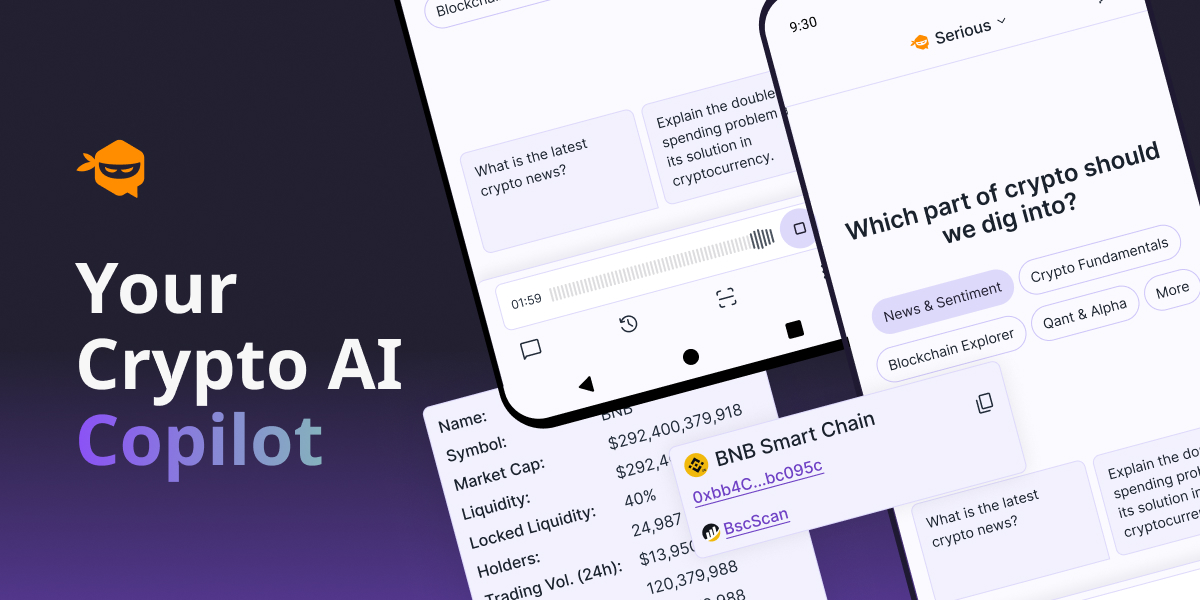

AI chatbot for crypto & Web3
Chatoshi AI is your ultimate AI chatbot for all things blockchain, crypto, and Web3. Whether you're a beginner or an expert, get instant answers, in-depth coin reports, backtest analyses, market trends, influencer insights, and the latest news—all in one place. Ask Anything About Blockchain & Crypto – Get clear and reliable AI-generated answers. Coin Reports & Market Analysis – Stay informed with real-time data and insights. Backtest Strategies – Analyze past market performance to make smarter decisions. Crypto News & Influencer Reports – Keep up with trending topics and expert opinions. Voice Search & Follow-Up Questions – Interact seamlessly with Chatoshi AI. Stay ahead in the crypto world with Chatoshi AI—your AI-powered Web3 companion! Terms of Use apply https://www.apple.com/legal/internet-services/itunes/dev/stdeula/
Version 1.78.4
• Alpha Search: find signals by coin, ticker or contract address, then filter and sort • Alpha signals show a risk level, the take-profit and stop-loss of each call, and a price alert shortcut • Alpha shows when new signals are paused, and stats cover the last 14 days • Tap a token logo on a signal to see it enlarged • Scan a QR code to add your wallet address • Preview Chat History, Alerts and Learn before creating an account • A refreshed onboarding, and a Learn shortcut under beginner questions • "View all" button under long tables in answers • See what's new in each update, and tap the selected tab to scroll to the top • Bug fixes & improvements Permissions used by Chatoshi AI (Android names in brackets): • Location [ACCESS_FINE_LOCATION, ACCESS_COARSE_LOCATION]: only when you ask for nearby results such as "crypto ATMs near me". Requested in context, never in the background. To test: ask "where is the nearest crypto ATM?" • Microphone and audio settings [RECORD_AUDIO, MODIFY_AUDIO_SETTINGS]: Voice Mode, real-time conversation with the assistant. To test: tap the mic icon. • Bluetooth [BLUETOOTH_CONNECT; BLUETOOTH and BLUETOOTH_ADMIN on Android 11 and older only]: routing Voice Mode audio to a connected headset. • Camera [CAMERA]: attaching a photo to a chat message or feedback report. • Notifications [POST_NOTIFICATIONS]: price and signal alerts you create in the app. • Screenshot detection [DETECT_SCREEN_CAPTURE]: offering a share prompt when you screenshot a chat. The screenshot itself is never read. • Push delivery [com.google.android.c2dm.permission.RECEIVE, READ_GSERVICES, WAKE_LOCK, VIBRATE]: receiving those alerts through Firebase Cloud Messaging. • Network [INTERNET, ACCESS_NETWORK_STATE, CHANGE_NETWORK_STATE]: streamed chat responses, Voice Mode audio and connectivity checks. • Install referrer [BIND_GET_INSTALL_REFERRER_SERVICE]: added by Firebase Analytics; reads only which store the app was installed from. • [DYNAMIC_RECEIVER_NOT_EXPORTED_PERMISSION]: internal to the app (AndroidX); protects its own broadcast receivers and is never shown to users. The dApp Store build requests no biometric, fingerprint, storage, advertising-ID or billing permissions.
From the Solana Mobile dApp Store · Ratings and reviews reflect the last catalog sync.
155 ratings
Impossible to connect with sol wallet for me,.no skr connection
An app useless, better to study more, no seeker connection
Cool bot as it gives specific metrics for crypto
A sample of store reviews. Open the official store to see more or leave a review.